
The customizer in wordpress provides user feature to live preview the changes while editing the theme options.
Say the user want to see how the new header image will look it can be viewed in the customizer, user does not need to publish the changes.
The customizer has following objects
- Panels
- Sections
- Settings
- Controls
Settings:-
- We can add two types of settings,
theme_modandoption
Theme Mod:
The theme mod are primarily used for storing customization data realated to the specific theme,
Each theme can have its own theme mods, they are not shared across other themes.
Theme Option:
The options will be stored directly in the wp_options table, and will be applied regardless of which theme is activated.
We should almost always use the theme mod over options settings for our theme.
Control:-
Controls are the objects that display the UI for a setting
It is must that each control must be associated with a setting. That setting will be used to save the data entered by user in the control.
Section:-
Sections are containers for controls, we can use them to organize related controls of our theme.
There are many in built customizer sections, here’s the list of core sections:-
| Title | ID | Priority (Order) |
| Site Title & Tagline | title_tagline | 20 |
| Colors | colors | 40 |
| Header Image | header_image | 60 |
| Background Image | background_image | 80 |
| Menus (Panel) | nav_menus | 100 |
| Widgets (Panel) | widgets | 110 |
| Static Front Page | static_front_page | 120 |
| default | 160 | |
| Additional CSS | custom_css | 200 |
Or, we can add our own sections if the settings we are adding do not match with the built in sections.
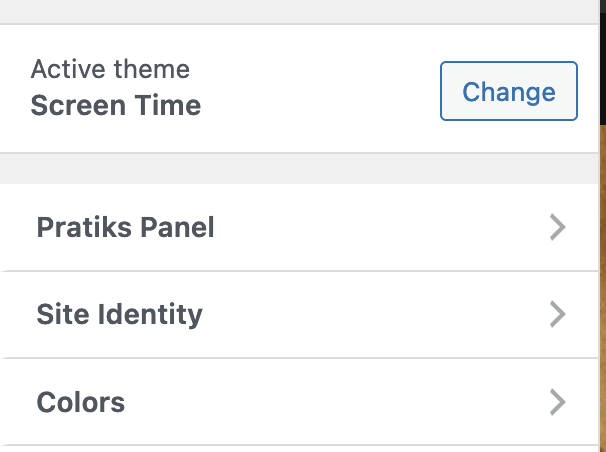
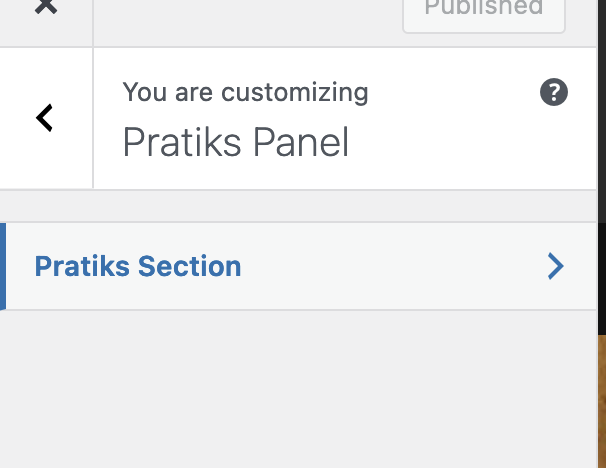
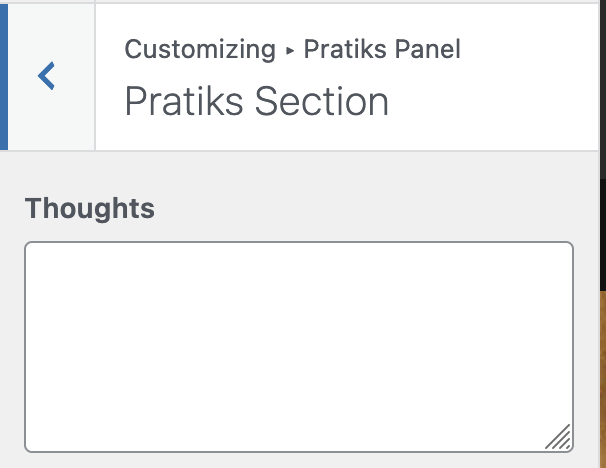
Here is the combined code that create a panel, in that it adds a section and for that section it created a control in it.
Things to remember:-
- A Panel must have at least one section in it
- A section must have at least one control in it
- There must be a setting associated with a control
function add_panel( $wp_customize ) {
	$wp_customize->add_panel(
		'pratiks-panel',
		array(
			'capability'     => 'edit_theme_options',
			'theme_supports' => '',
			'title'          => 'Pratiks Panel',
			'description'    => 'Pratiks Panel',
			'priority'       => 10,
		)
	);

	$wp_customize->add_section(
		'pratiks-section',
		array(
			'title' => 'Pratiks Section',
			'panel' => 'pratiks-panel',
		)
	);

	$wp_customize->add_setting(
		'test',
		array(
			'type'       => 'theme_mod',
			'capability' => 'edit_theme_options',

		)
	);
	$wp_customize->add_control(
		'test',
		array(
			'label'   => __( 'Thoughts' ),
			'type'    => 'textarea',
			'section' => 'pratiks-section',
		)
	);
}


add_action( 'customize_register', 'add_panel' );
Leave a Reply