- Security Vulnerability
- Plain file database
- foreach loop and mail()
Security Vulnerability
As discussed in earlier blog, I have used cookie for verification of email address, but doing so I overlooked major flaw in this which will store the email address as verified without having the correct code.
Let me walk you through how this can be achieved:
- Generate a SHA256 hash of anything random from https://emn178.github.io/online-tools/sha256.html and copy it
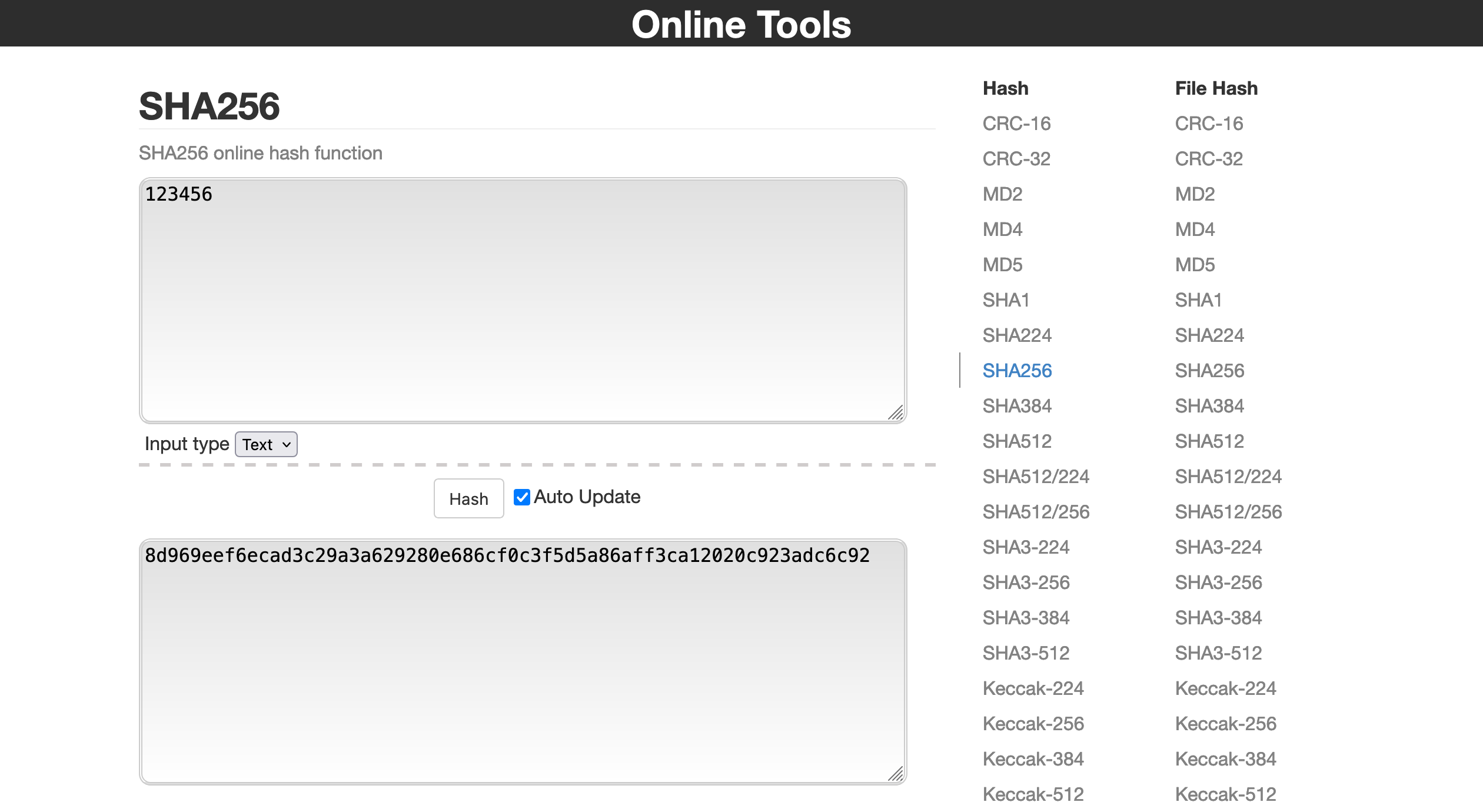
2. Enter email on the subscribe form, then open dev tools, go to cookie storage:
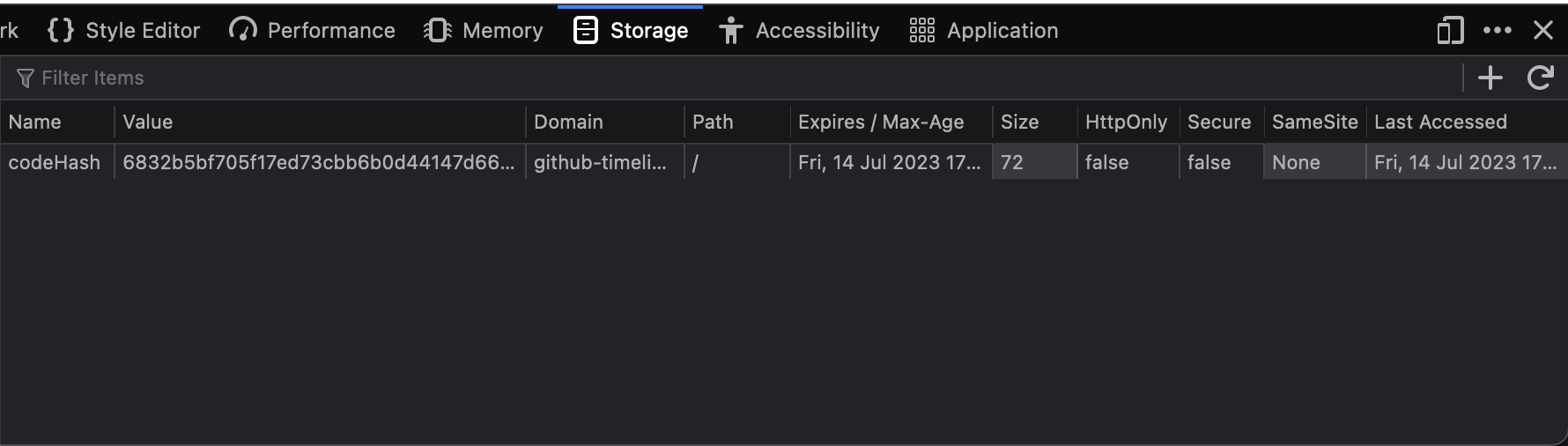
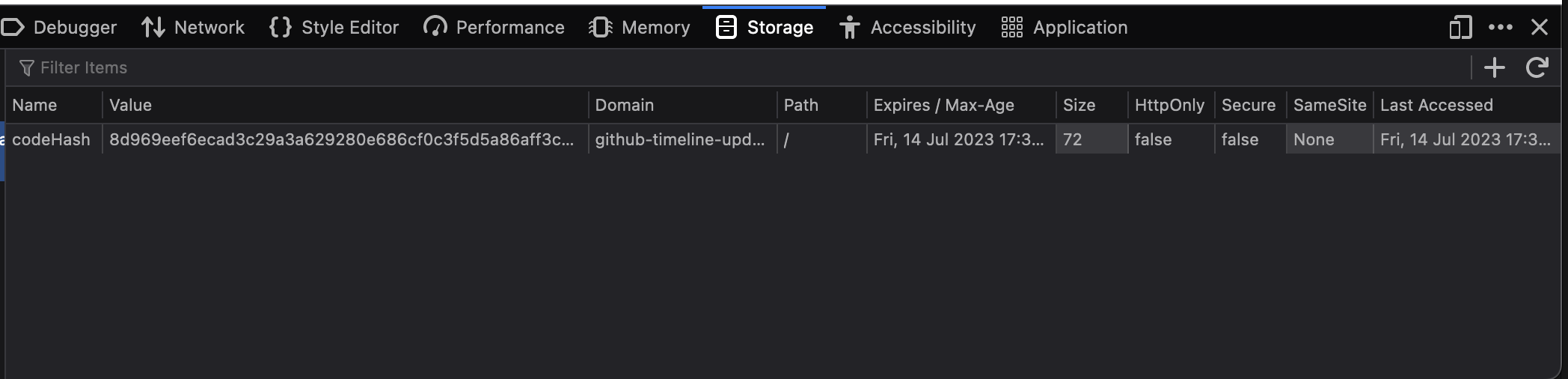
3. You can see the `codeHash` cookie here, edit the value of the cookie and paste the copied hash there.
4. Input the random text or code you used to create the hash into the form
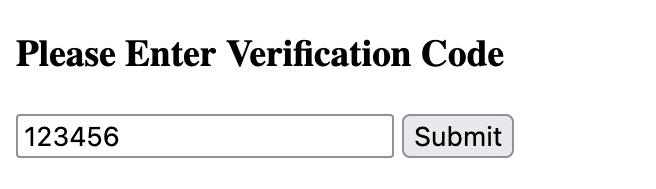
5. After clicking submit, we are able to register the user without having access to their email at all, from just front-end.
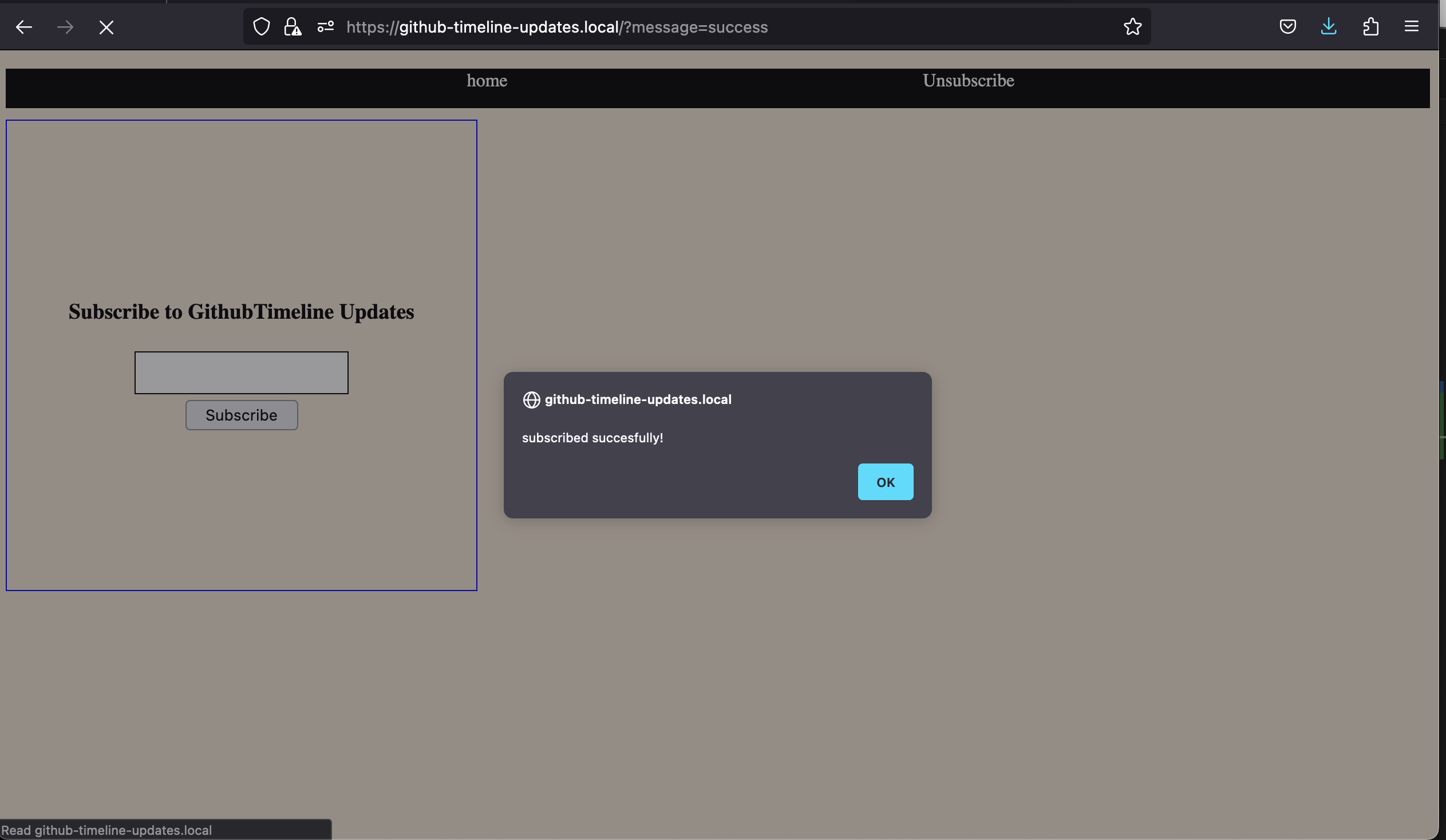
Instead of jumping to using cookies I should have researched more and used sessions, which are stored on the server side and can not be edited by user for this.
Using PlainText File as Database
It took me longer than expected to setup the environment which made less time available for actual development.
We had to get email address from users and store them, in hurry I just used file operations in php to store the address.
To check if an email exists or not or to delete an email it had to read the whole file again, search through each email address and find it and then remove it if delete operation was requested.
Unfortunately plain text files don’t have indexes and stuff to make this operations easy to do, fortunately I had abstracted the functionlity to get,add and delete mails using OOP and had very little refactoring to do to use mysql DB
<?php
require "Database.php";

class SubscribersDatabase
{

    // db connection
    private $conn;

    public function __construct()
    {
        $dbCon = new DatabaseConnection();

        $this->conn =  $dbCon->getConnection();
        if(!$dbCon) {
            echo "db error";
        }
    }

    public function getAllEmails()
    {
       //logic to get all emails

    }

    public function emailExists($email)
    {
        //logic to check if email already exists

    }

    public  function addEmail($email,$verified)
    {
         //logic to add new email to db
    }

    public function removeEmail($email)
    {

        //logic to delete email

    }
}

?>
What i learned from this : think very thoroughly when using plain files to store data, it may seem tedious to setup and use database but always better choice than plain files.
foreach loop and mail()
- The
getEmails()function return an array with all the email addresses to which we have to send updates. - I used foreach loop to go through each email, and send updates using
mail()function in php.
foreach($emails as $email){
    // ...remainder code
   mail($email, $subject, $message);
}
After going through the documentation of mail(),
It is worth noting that the mail() function is not suitable for larger volumes of email in a loop. This function opens and closes an SMTP socket for each email, which is not very efficient.
https://www.php.net/manual/en/function.mail.php
Summary : Today I learned site security, error handling, why pleasant ui is must for a site and also self evaluated myself on how I code and what to improve on moving forward
Leave a Reply