- Caching in WordPress

- Select media modal using wp.media

Caching in WordPress
If there is query in our code that is taking long to load and hampering the performance of our site, we can incorporate caching.
We will cache the results instead of firing the query every time which will make our site load faster.
In our project, to render shortcodes of movie and person according to the attributes we are using meta queries and tax queries.
There are ways to optimize this queries which will not be covering here, we are focusing on using caching only.
WordPress provides following methods in class WP_Object_Cache {} for caching,
We can use output buffer in php, to get the output being put on the site like the movie details and then store that output in our cache
// ...your code to get posts and filter where meta person = actor
ob_start() ?>
<p>the_title()</p>
<?php $contents = ob_get_contents(): ?>
Then we can get the contents in the buffer and save them to our cache using wp_cache_set()
<?php
wp_cache_set("_rt-person-actor",$contents);
?>
After this, before running the query we can check if we have it in the cache and return that only
<?php
if(wp_cache_get('_rt-person-actor')){
  echo wp_cache_get('_rt-person-actor');
  return; // don't perform queries below
}

// ...your code to get posts
This will not work though, why ? the wp cache functions store non persistent cache, means once the request is over cache will be removed
What use of this is then?, we can use persistent cache tool like redis, for that you can use redis cache object plugin
Select media modal using wp.media
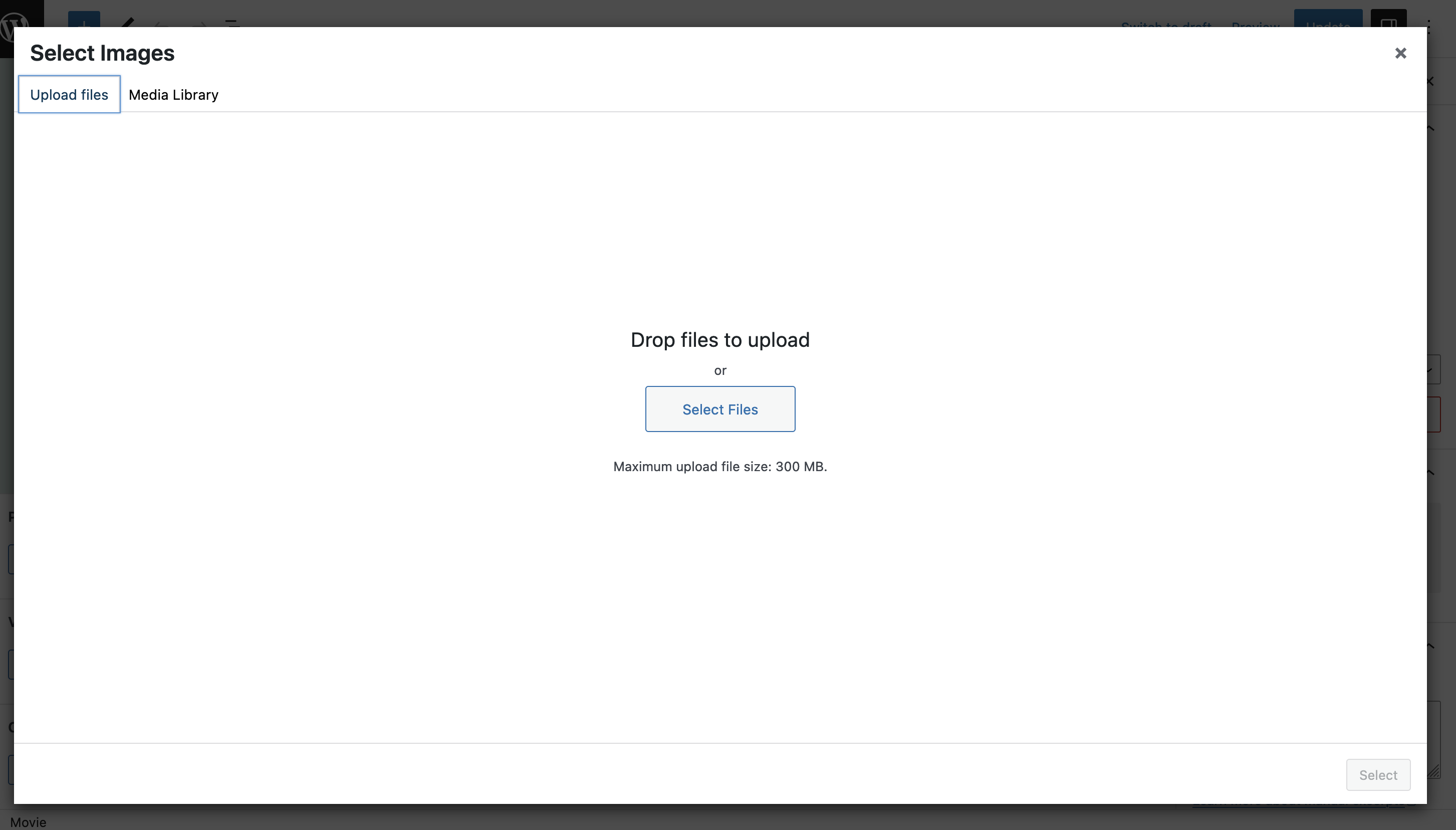
I create this generic function for mediametaboxes to launch different modal according to which button is clicked
/*
This function will be used by meta boxes to display wp.media modal.
 */
function createMediaFrame( // eslint-disable-line no-unused-vars
	title,
	allowMultiple,
	mediaType,
	hiddenInputID,
	callback = null
) {
	// Create a new media frame.
	const frame = wp.media({
		title,
		multiple: allowMultiple,
		library: { type: mediaType }, // Show only the specified media type in the media library.
	});

	// Callback when media is selected.
	frame.on('select', function () {
		const attachments = frame
			.state()
			.get('selection')
			.map(function (attachment) {
				return attachment.id;
			});

		// Update the hidden input with the selected attachment IDs (for form submission).
		const hiddenInput = document.getElementById(hiddenInputID);
		hiddenInput.value = attachments.join(',');

		// Execute the custom callback function if provided.
		if (typeof callback === 'function') {
			callback(attachments);
		}

		frame.close();
	});

	// Open the media frame.
	frame.open();
}
Can be used as
createMediaFrame(
'Select Images',// name for the modal
 true, //multiselect
'image', //type of media
'rt-media-meta-img-ids');
Leave a Reply