REST API:-
- Flexibility to build front-end with different technology and using WordPress as back-end.
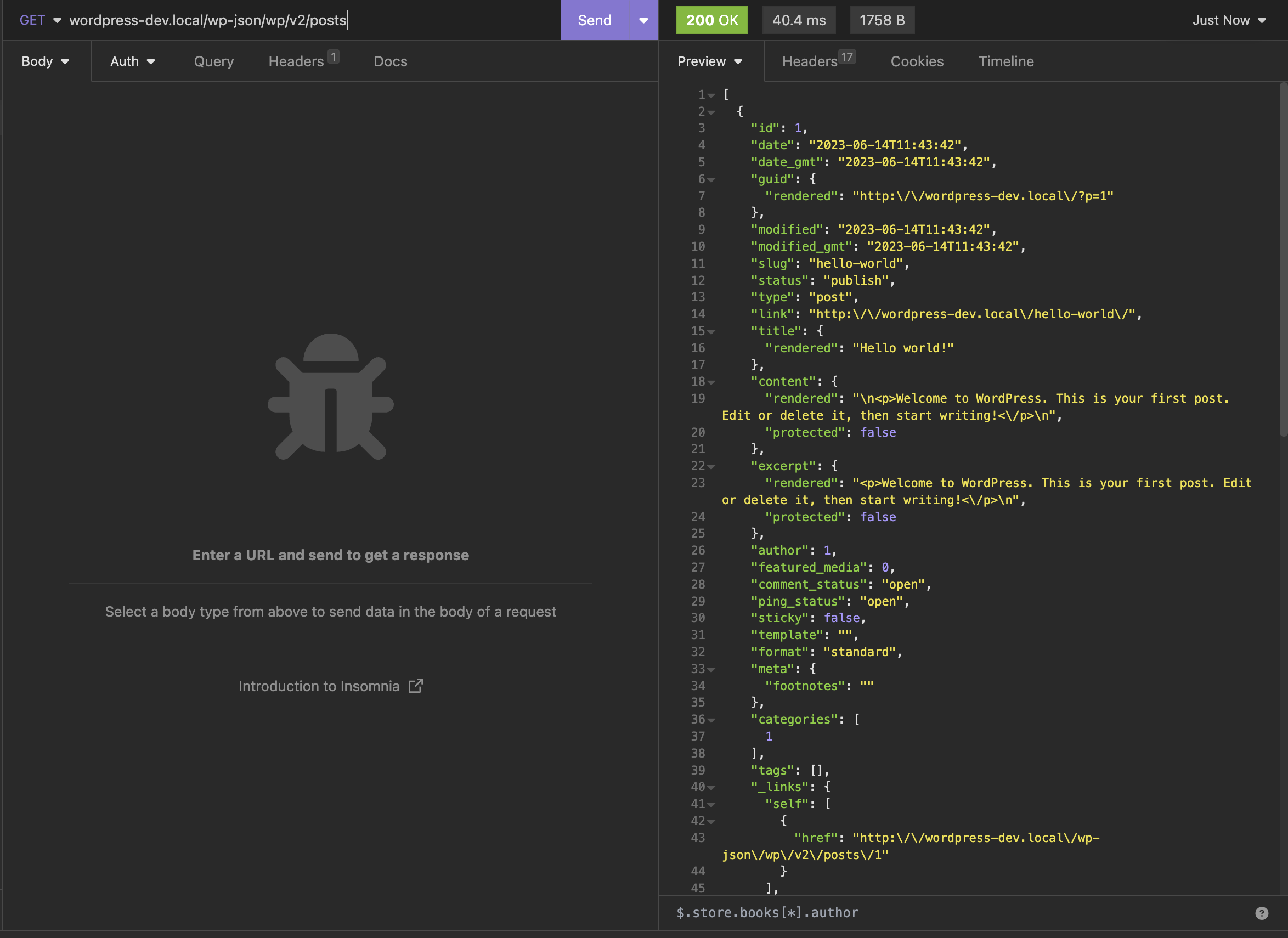
This is just a simple GET request to fetch all posts
The WP CLI:-
- Command line interface for wordpress
- We can manage our site, install plugins and many more from cmd only
example:-
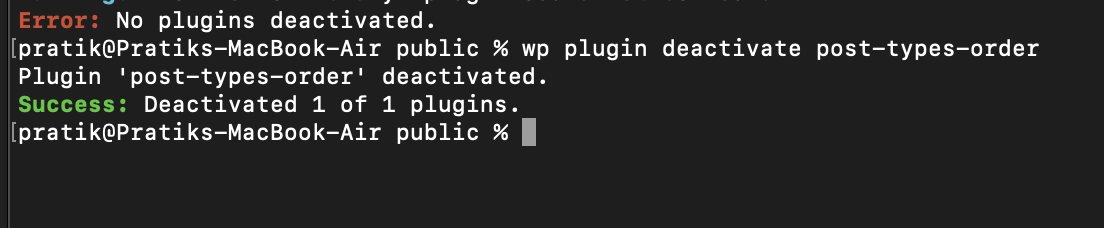
Adding sidebar widget
register_sidebar(
			array(
				'name'          => __( 'Primary Sidebar', 'screen-time' ),
				'id'            => 'sidebar-movie',
				'before_widget' => '<aside id="%1$s" class="widget %2$s">',
				'after_widget'  => '</aside>',
				'before_title'  => '<h3 class="widget-title">',
				'after_title'   => '</h3>',
			)
		);
Using dir attribute to change direction of the page to right-to-left
<html lang="en" dir="rtl">
We use EasyEngine on remote to host the site. To go into our site shell from easyengine use:
ee shell example.comAfter this we can use the wp CLI commands for our example.com site
wp user update admin --user_pass="supersecret#23"
Leave a Reply