- Discovery of API
- Authentication
Discovery of API
For the REST client to know about the route and endpoints of WP REST api, we use discovery methods.
In the site’s html code, a <link> tag with the API url is put so we can get the route of the api

The client can parse the html and get the href of API route
Another method is to send HEAD request to the site and a header named Link is sent back. We can get the Route from there and further discover the namespaces.

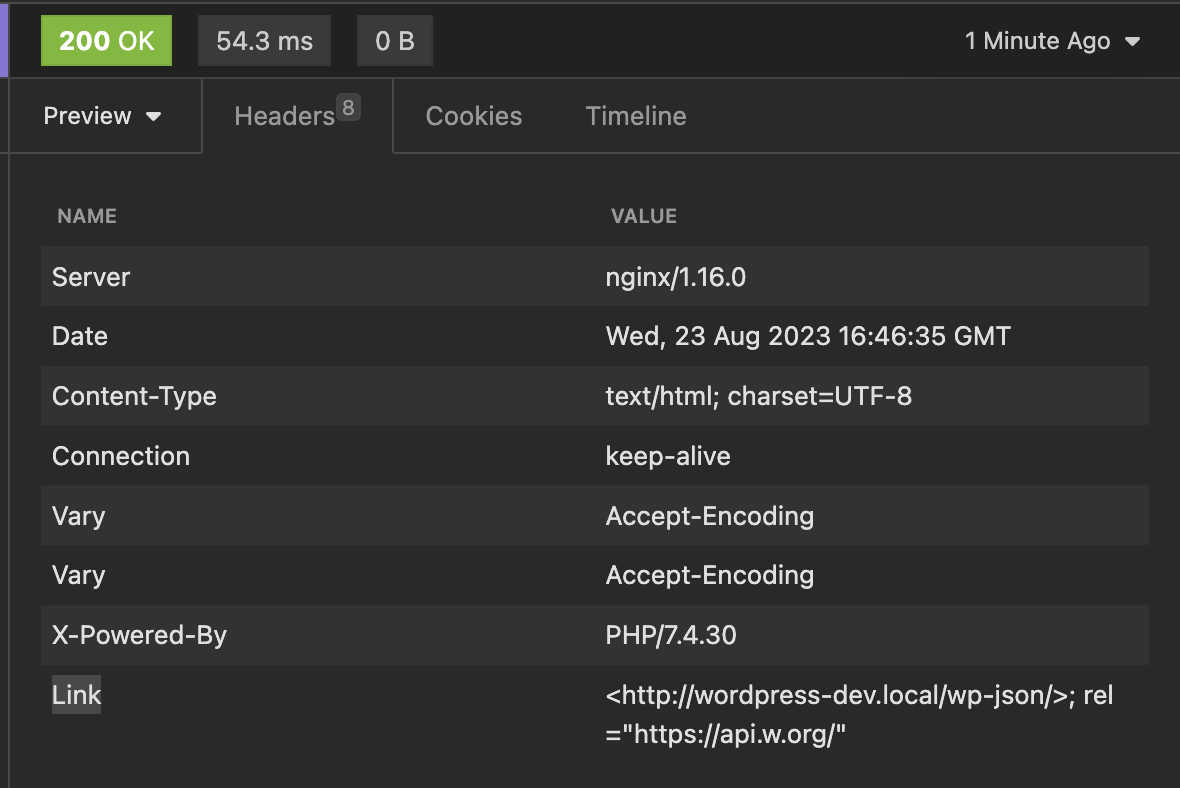
Check the last header Link
Authentication
The authentication of the WP REST api is something I did not like much, they use cookies for authentication and other method is application passwords.
The limitation of cookie authentication is we can only use the rest api inside the wordpress.
The application password authentication requires us to generate a password from admin dashboard and then use it with request.
Below I have explained the process for basic auth with application passwords.
The first step is to generate application password, for that from dashboard, edit the user and go to generate application password.
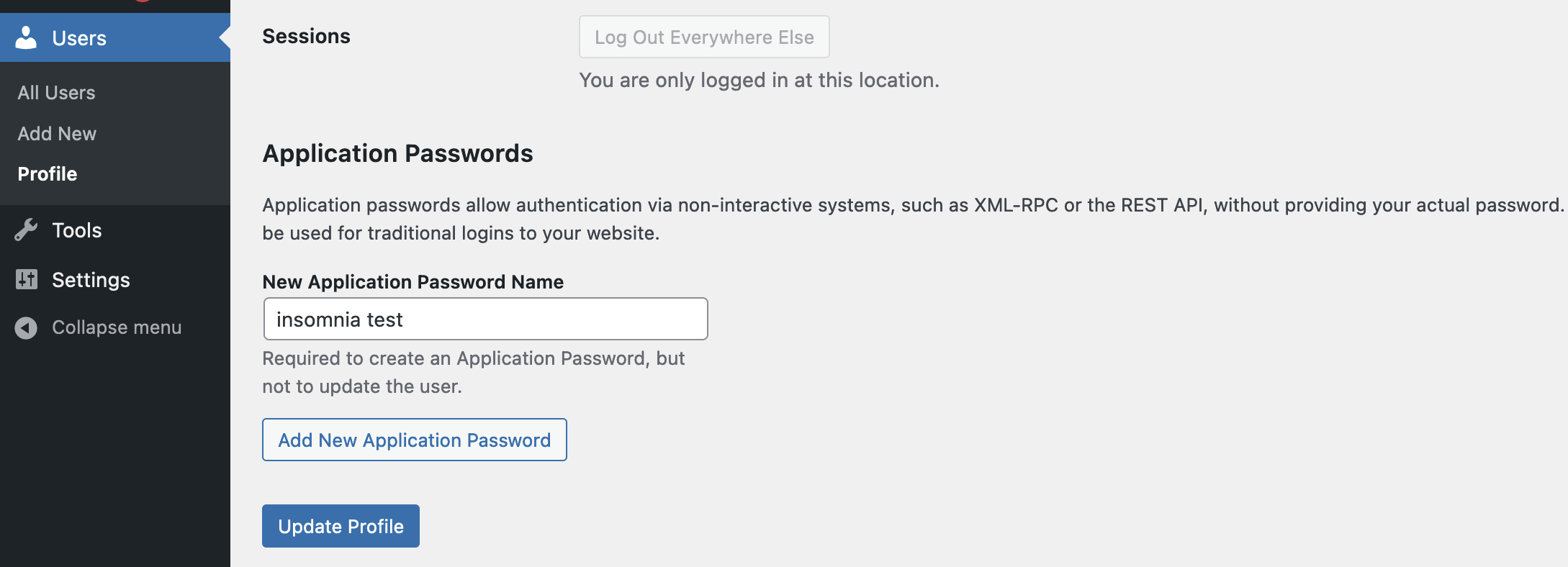
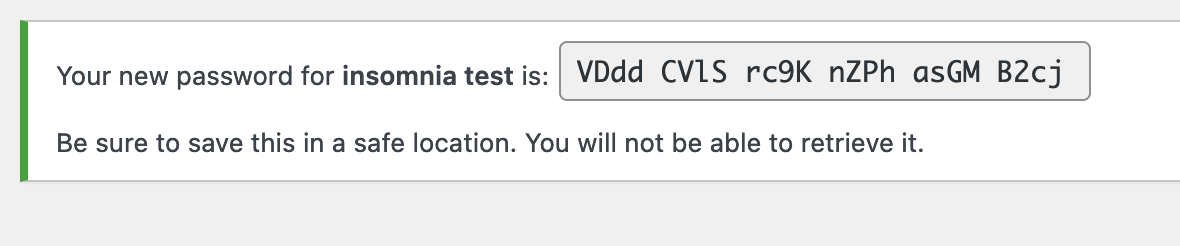
Click on add new application password, and copy the password shown
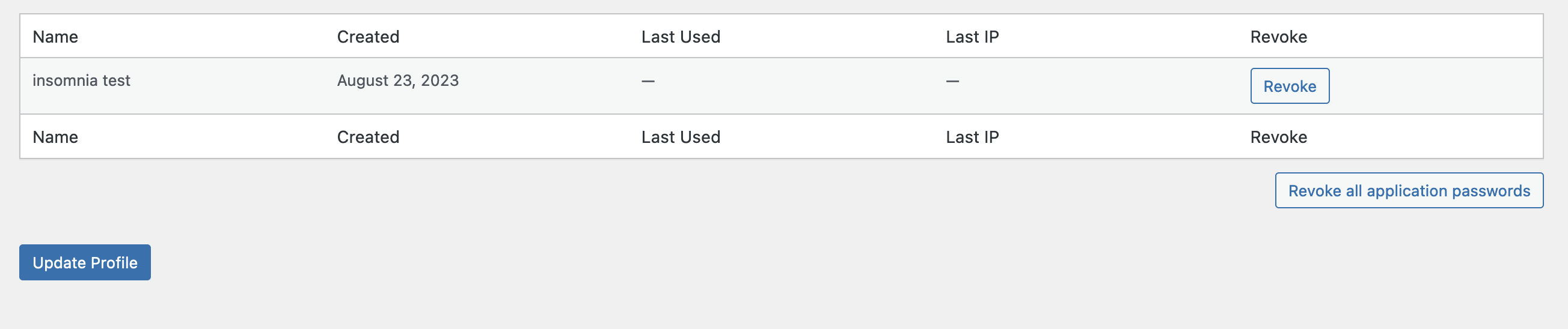
Click on update profile, You can manage the application password set in profile
Now, for this we are using insomnia to test.
Open auth window in insomnia and select basic auth
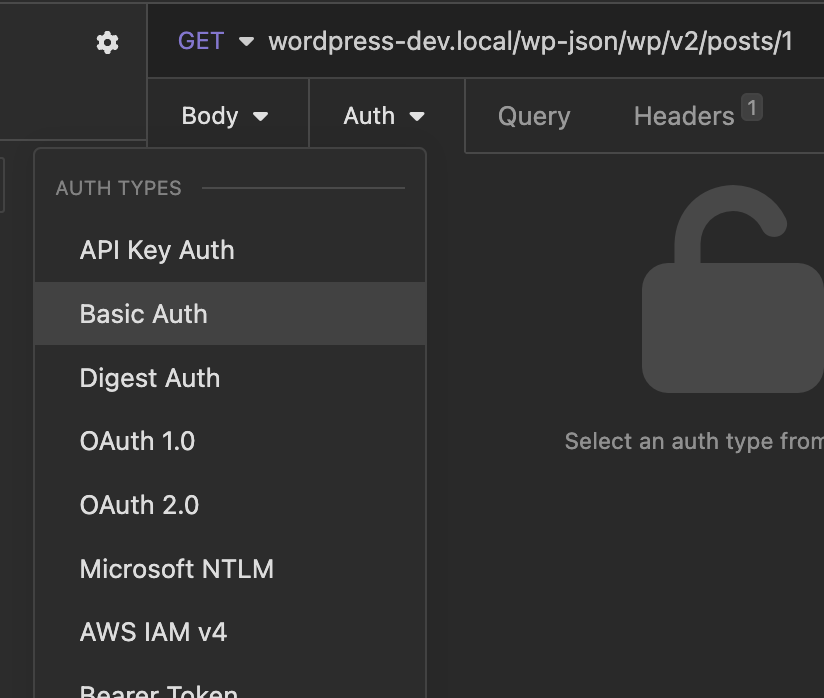
Input the user id and the password copied earlier
I have made one post private for demo purpose, when I disable the auth this is response i get
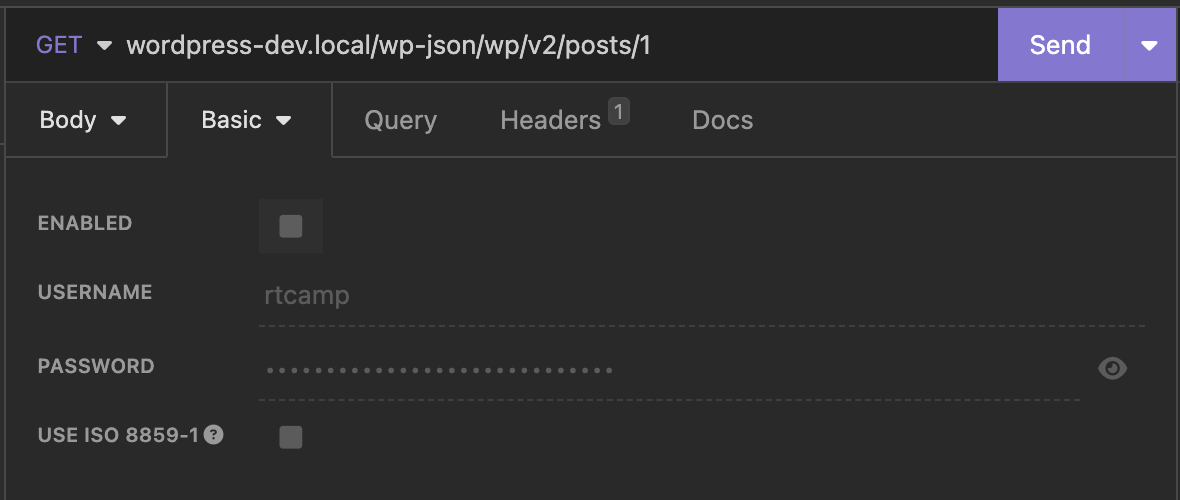
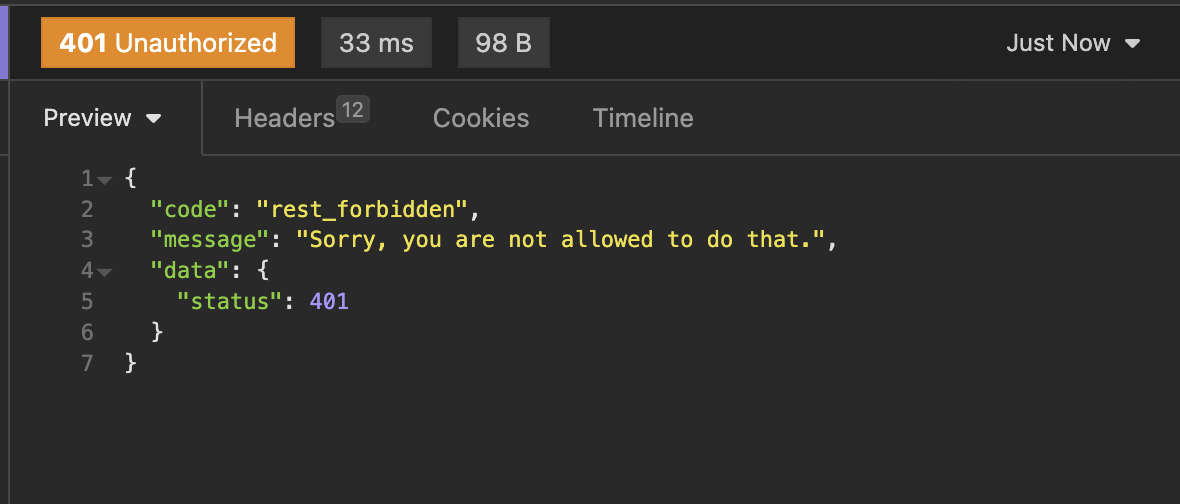
Now let’s enable the auth and see what happens
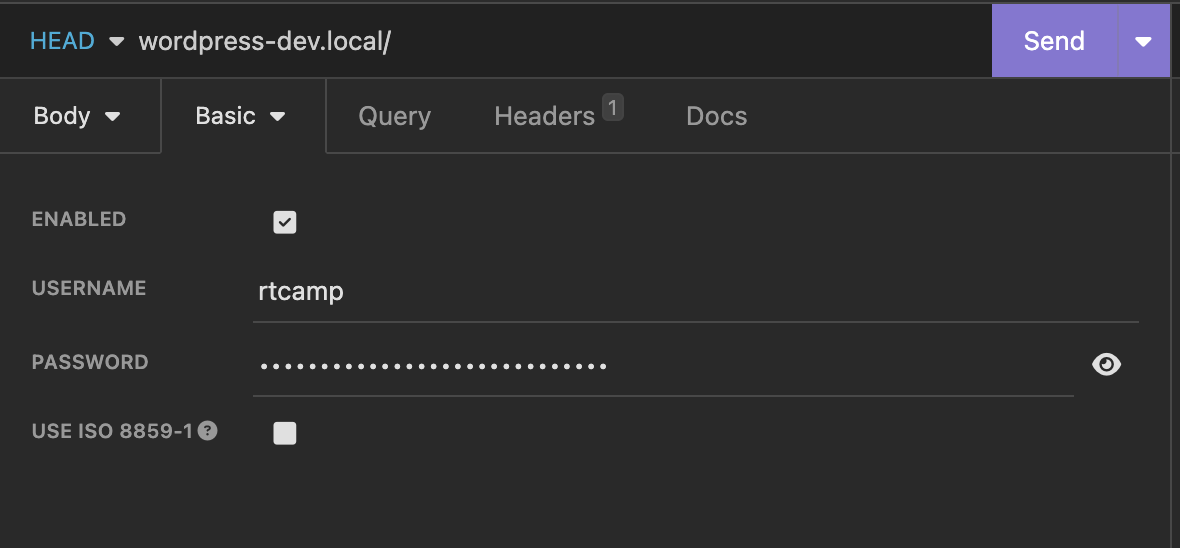
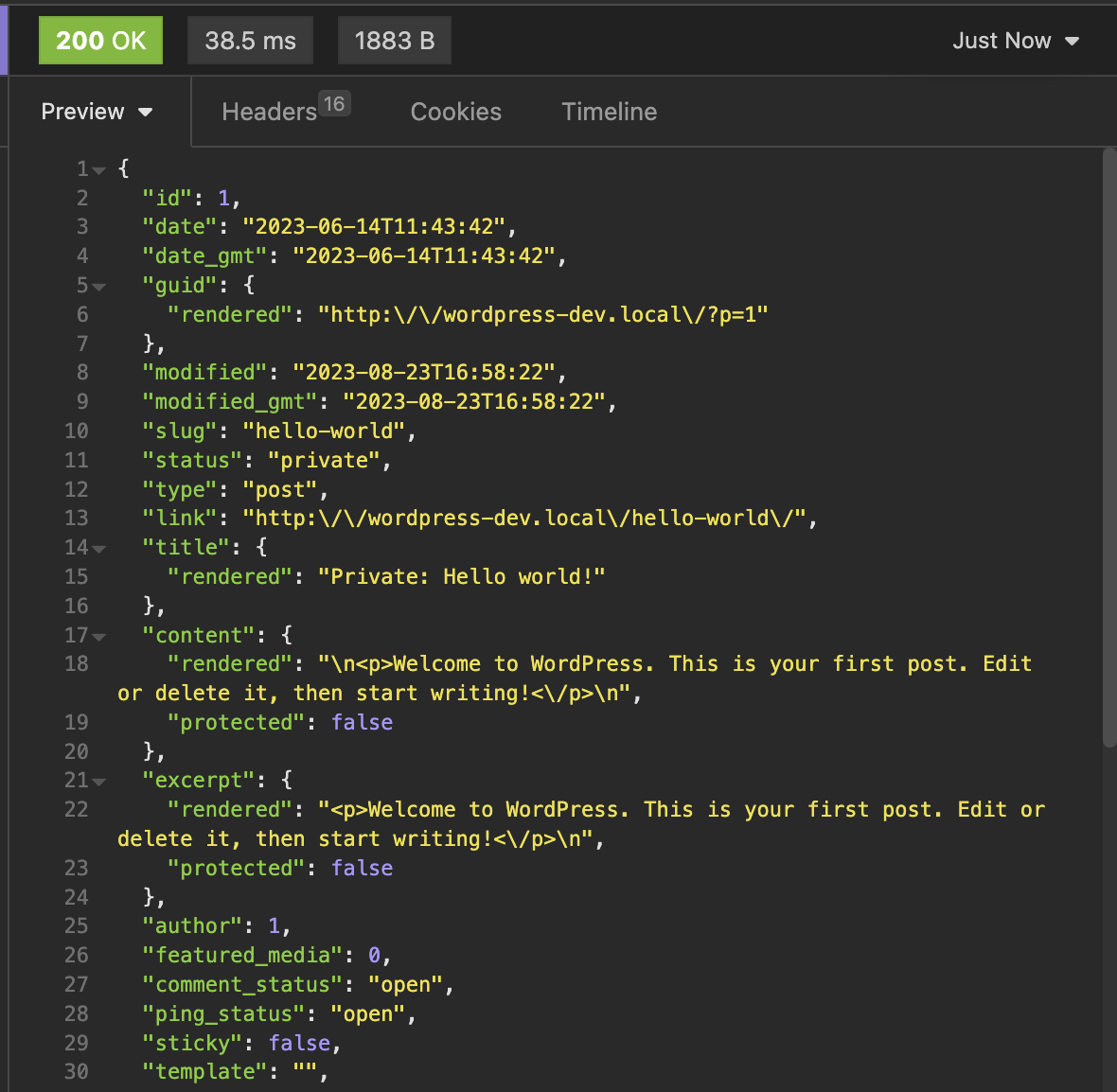
It works! , Please keep your application password safe!
Leave a Reply